SolidWorks Animation on CAVE - Through Unreal
If you are willing to run animations on CAVE, make sure you are able to run any 3D model first before jumping to this step.
this tutorial assumes you have SLDASM (solidworks assembly) file ready to be imported into unreal with Motion Study (Animation to import), the following video shows animation inside solidworks
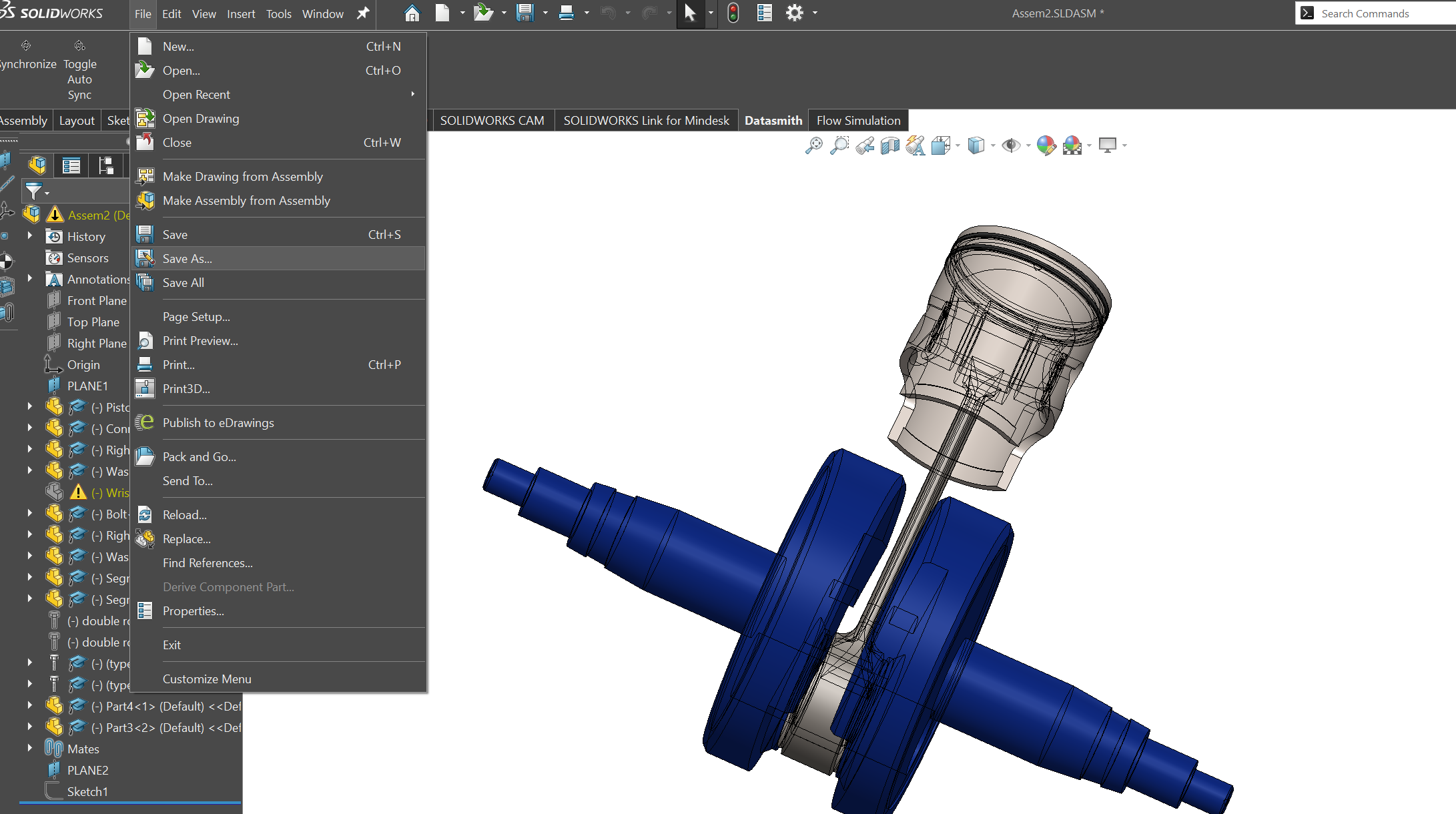
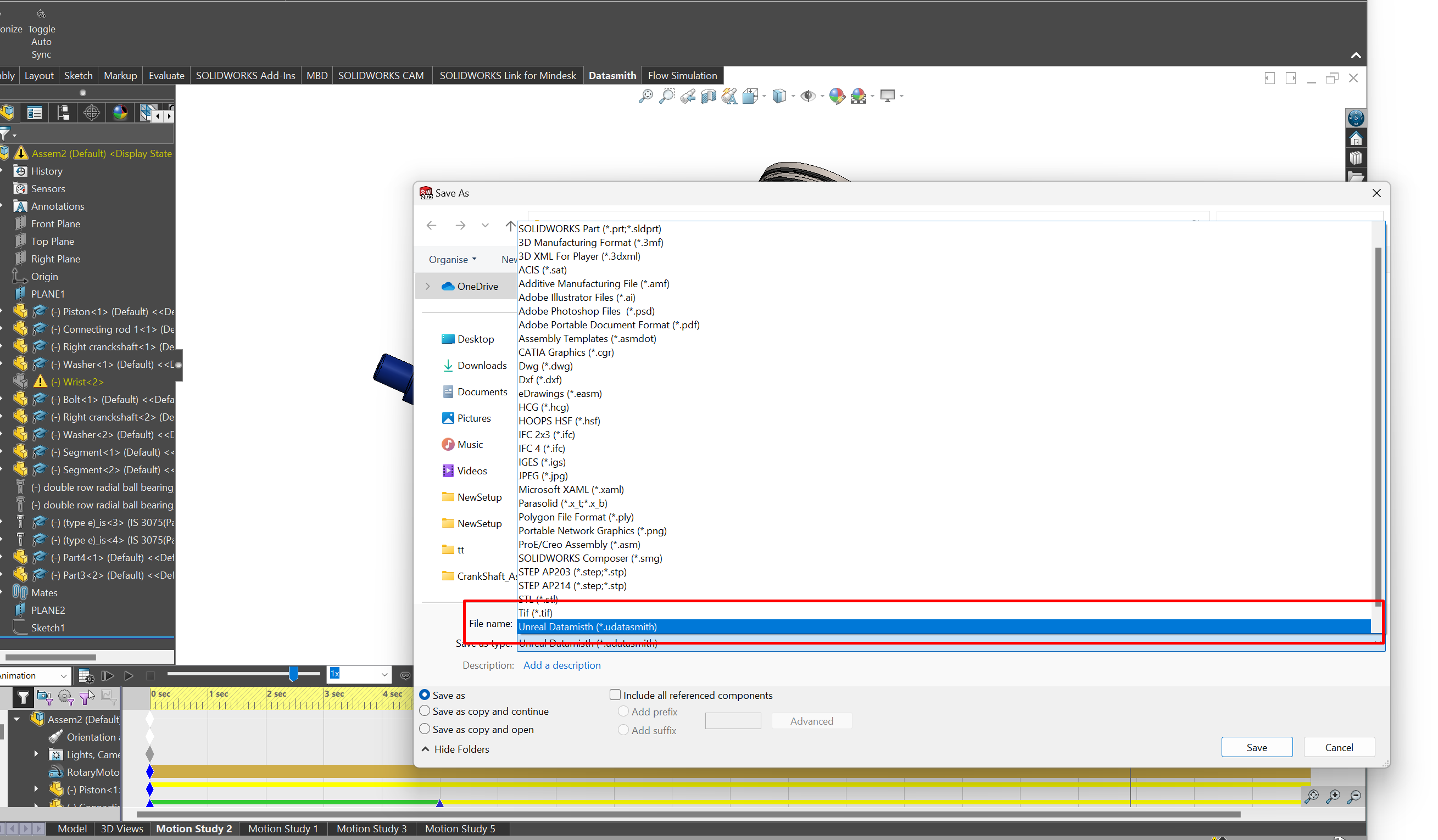
go to file and choose save as and choose Datasmith extension (.udatasmith)
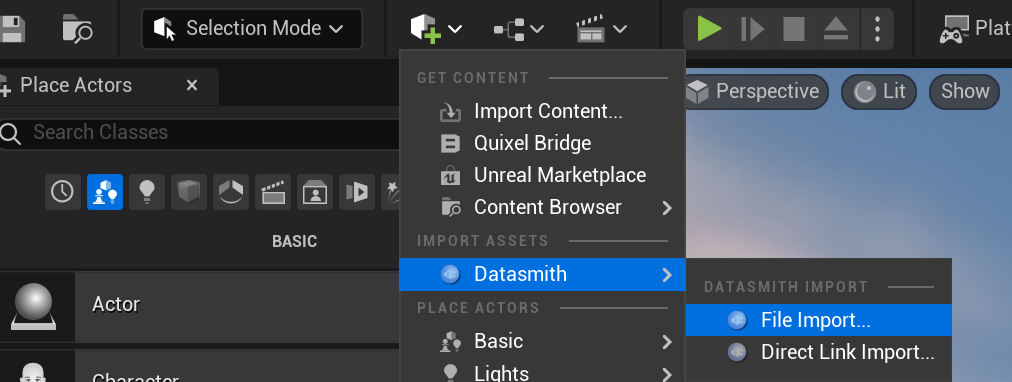
go to unreal engine and using datasmith extension import the .udatasmith file into your level
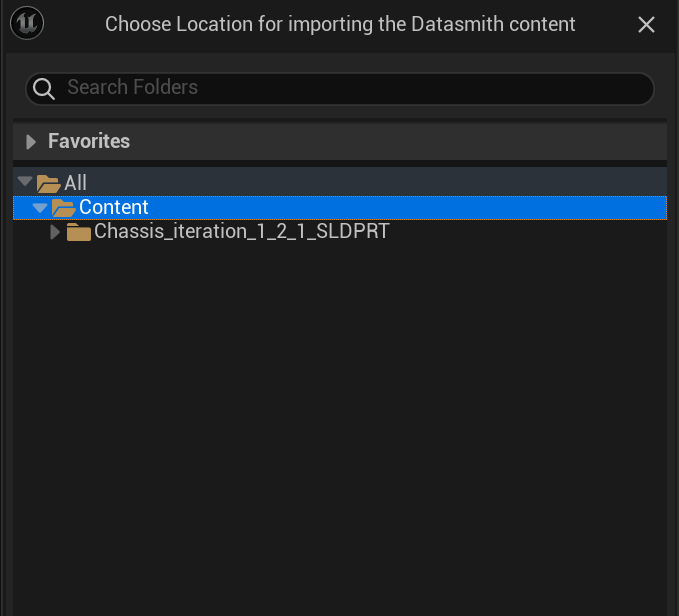
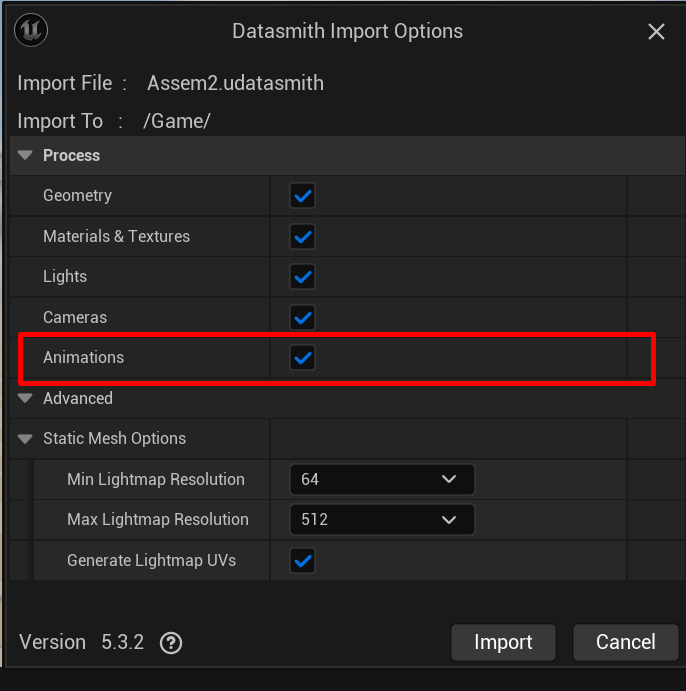
choose the folder you want to store these assets into, make sure you the animation import is activated too
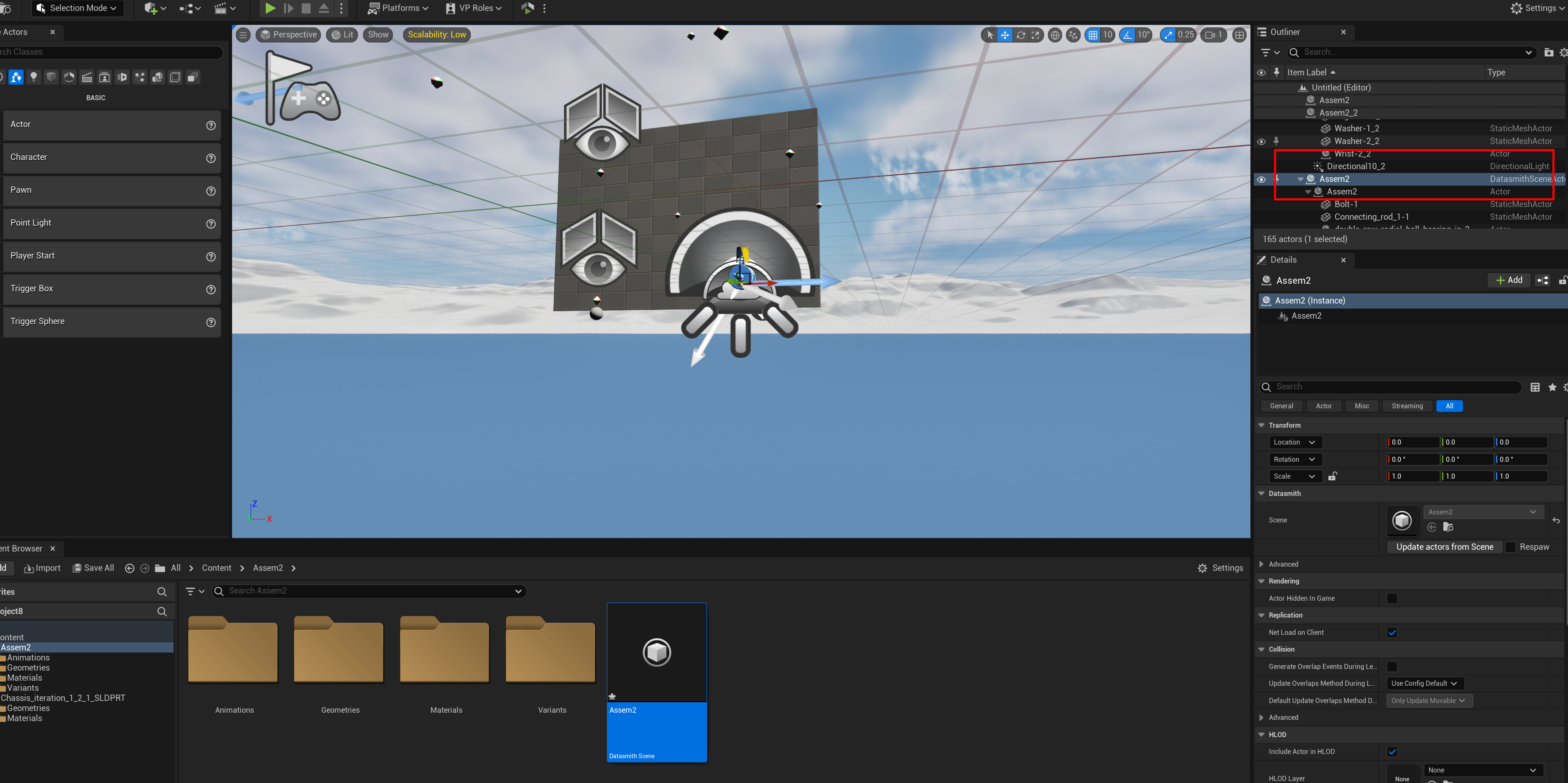
after importing the animation you should be able to find the assembly in your project outliner as seen bleow
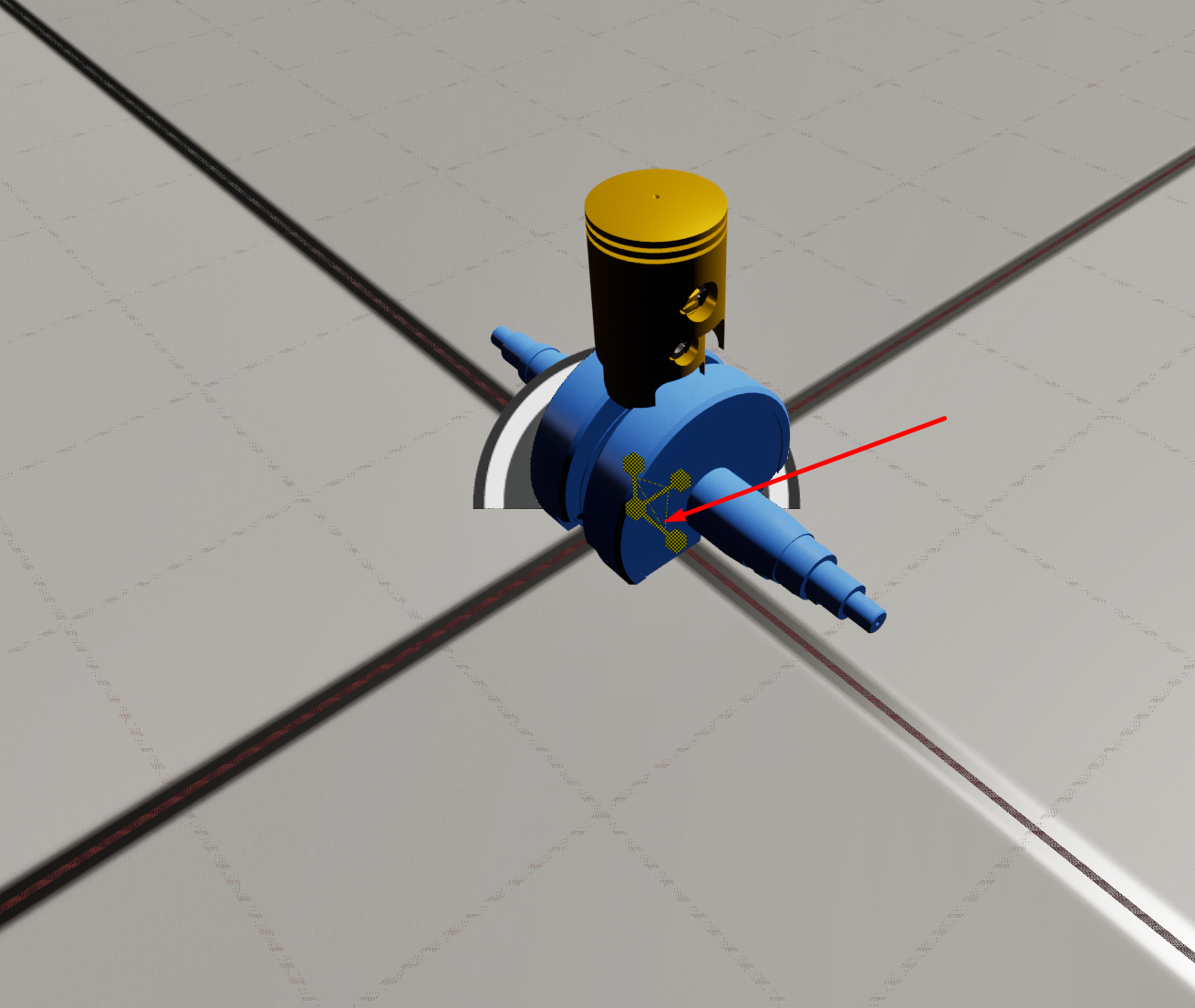
start scaling the model depending on your needs, if you want to scale the object over the 3 dimensions at once make sure that all 3 arrows are turned into yellow not only one of them as shown below
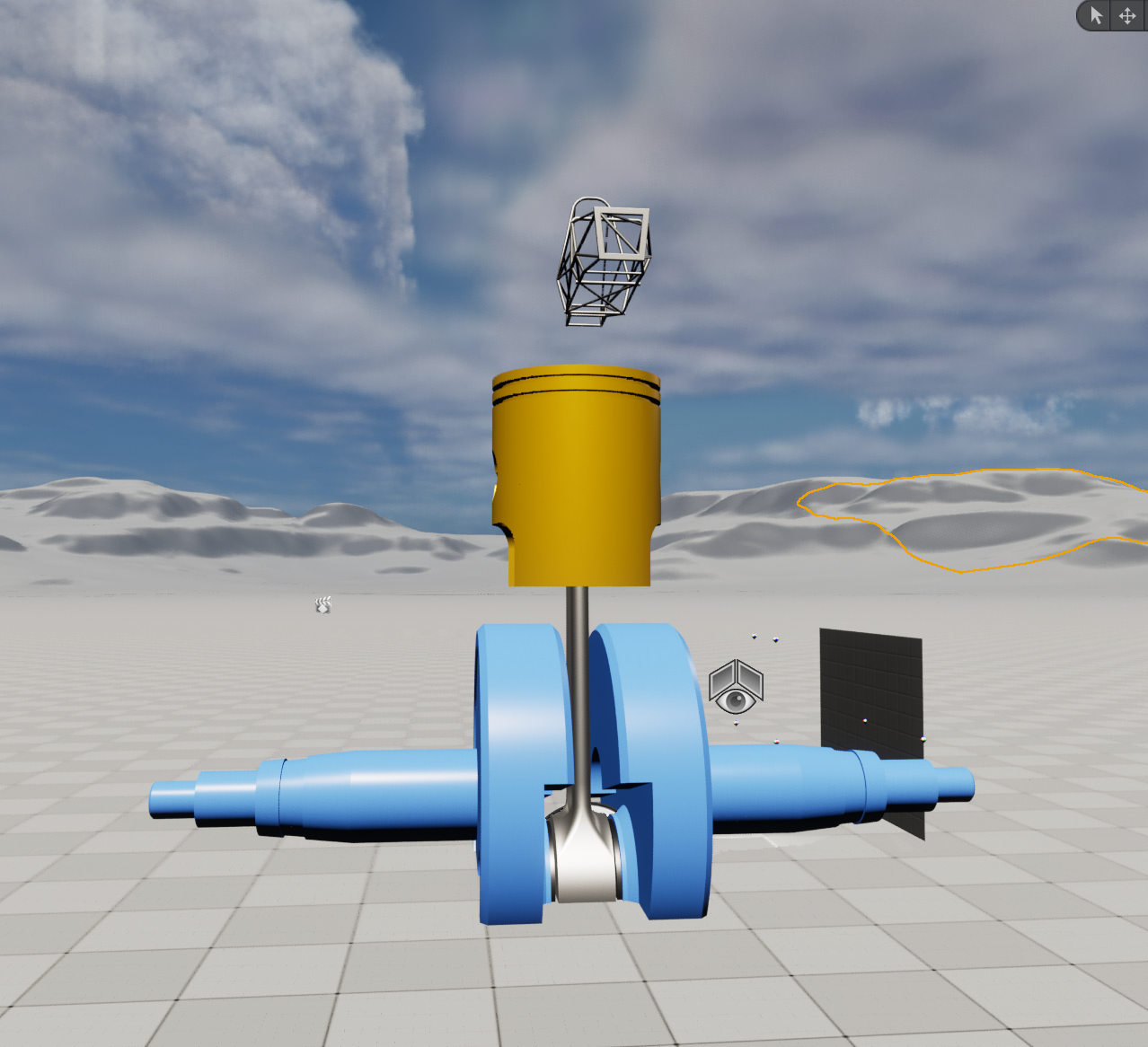
after scaling the engine in all directions
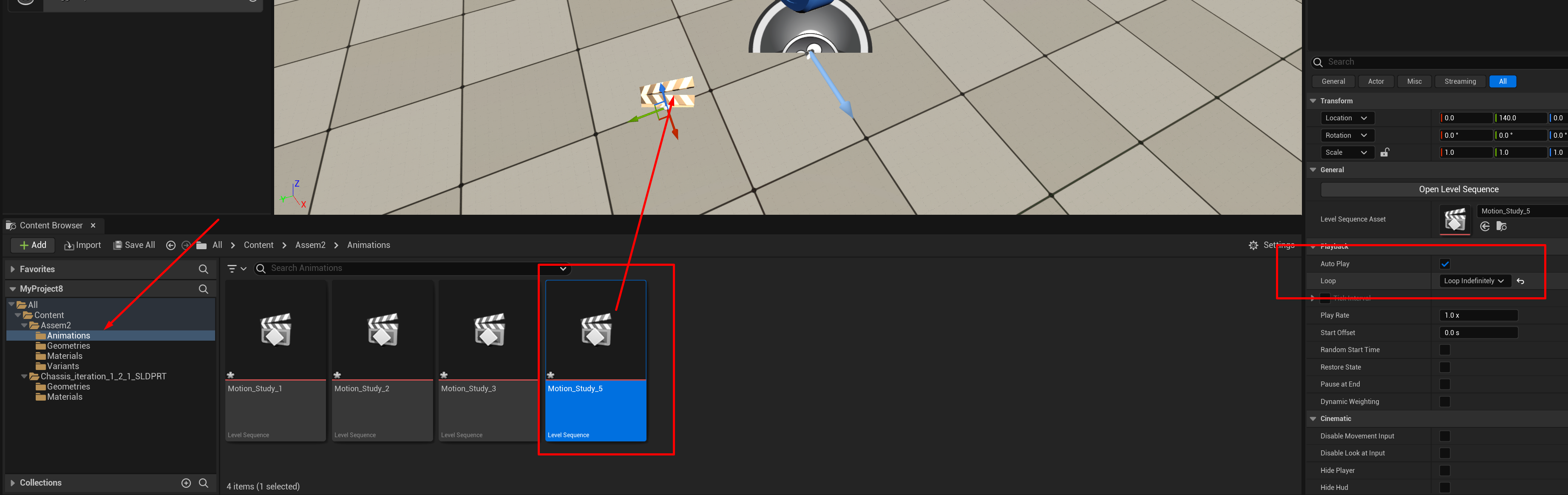
now go to content and look for animations and choose of the motion studies you want, make sure you select autoplay and loop indifinelty
you can adjust the keyframe for the animations in case you wanted different behaviour by adjusting the coordinates of the components within every keyframe !