Installing DTrack Plugin
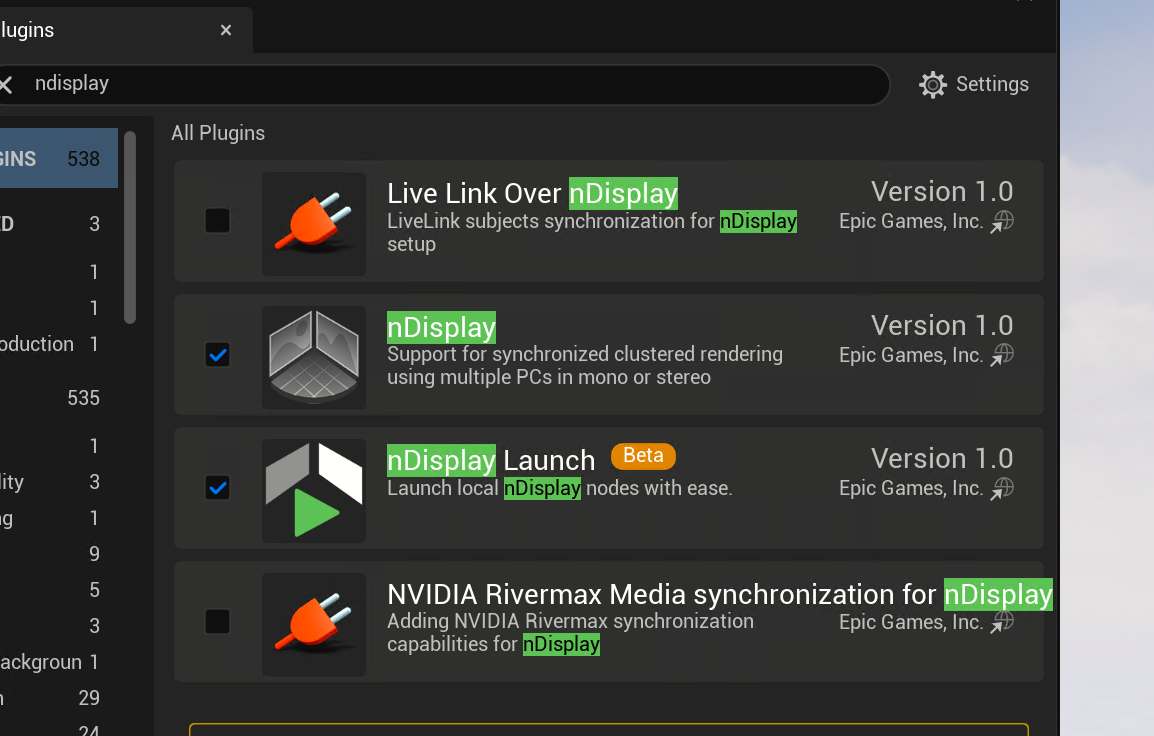
To install the DTrack Plugin make sure you have some tools
Installing DTrack Sample
Advanced Real time systems offers a sample project that we can use directly and start working with our project you can download it by going to UnrealDTrackSample
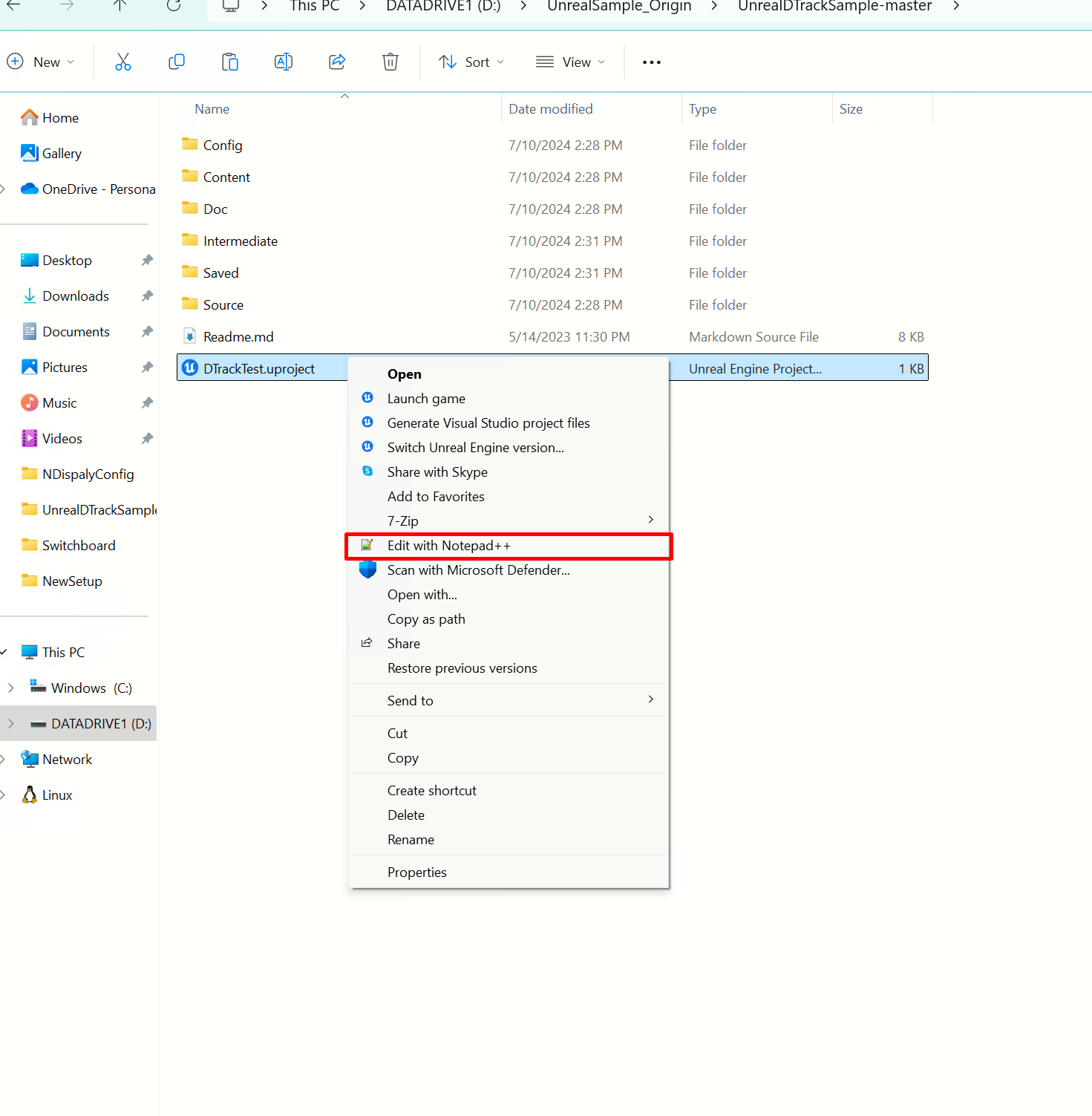
after you download it open the project using Notepad++ and edit the project so that DTrack plugin is disabled
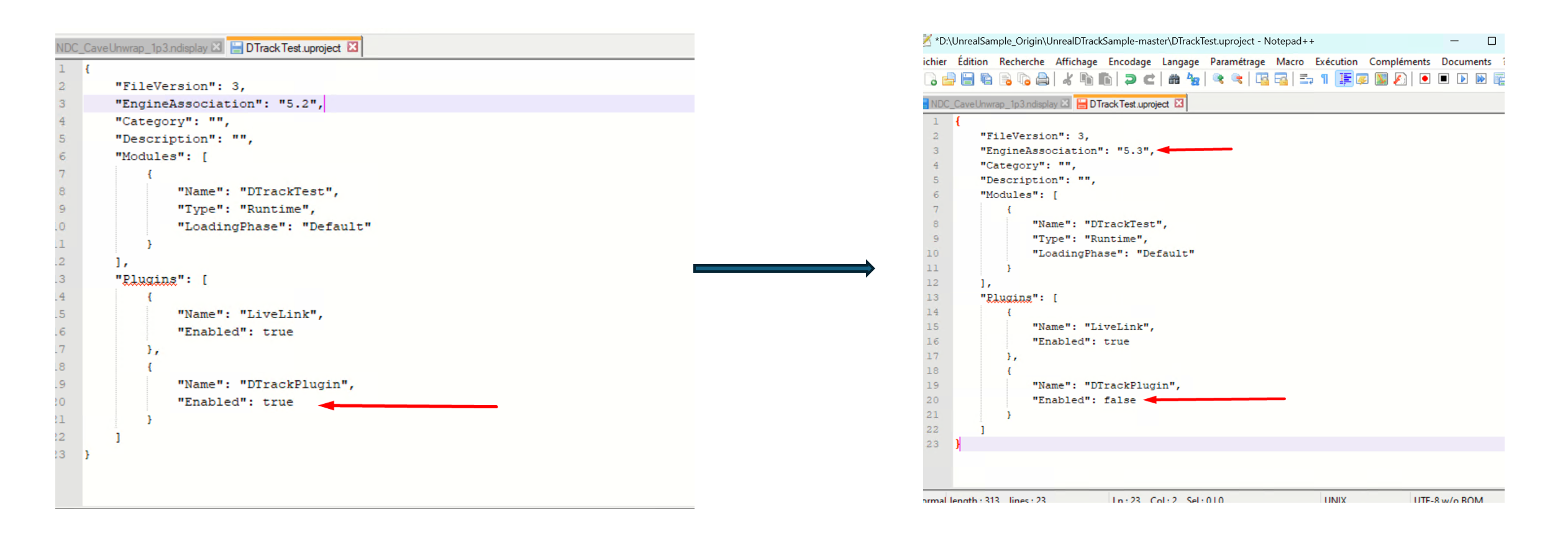
change the version of the engine to your installed version and turn the DTrackPlugin to false for now also disable livelink ! (this is not shown in the image below)
now it will start generating the project files as
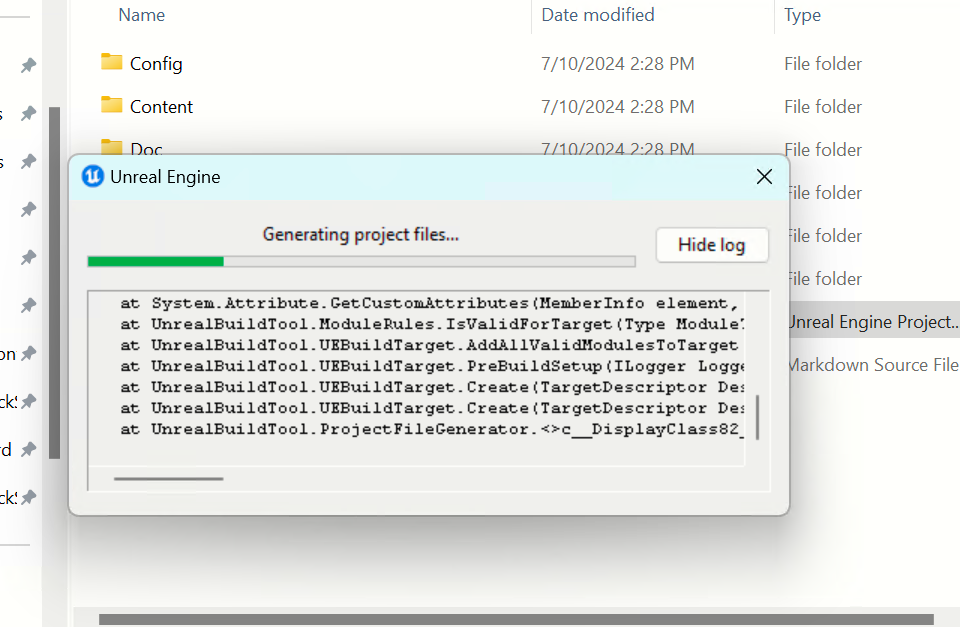
Hint
if the program asks if it should rebuild the project files click yes (this means that it’s still build the files ! just wait more time it takes around 10 minutes to generate the project files)
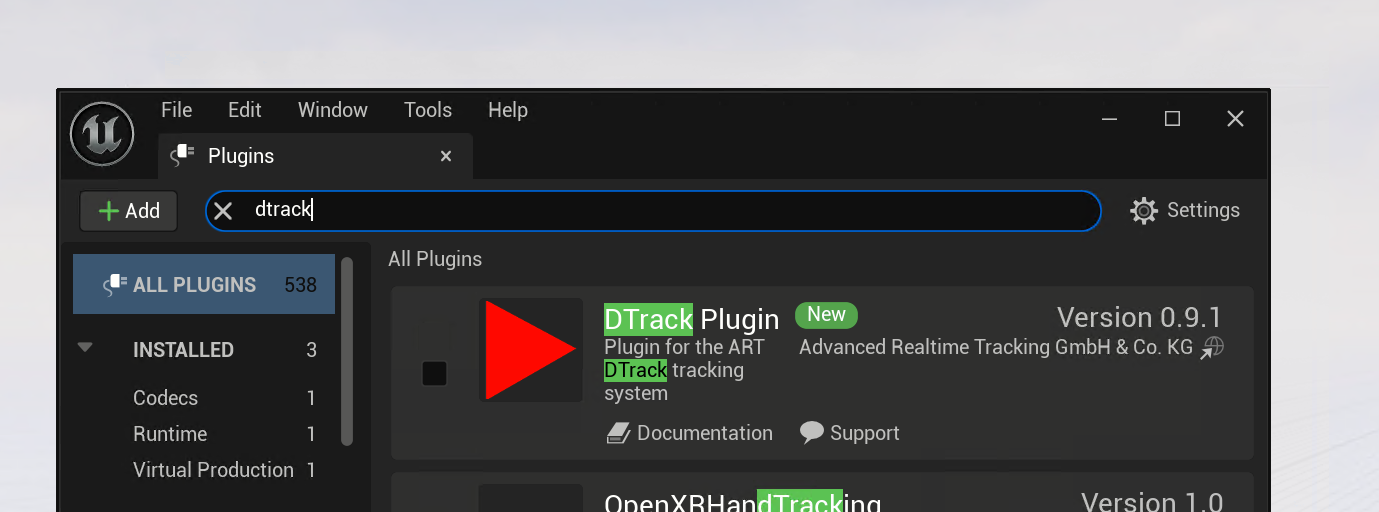
after the project rebuild files you can go and add dtrack plugin from the interface as follows
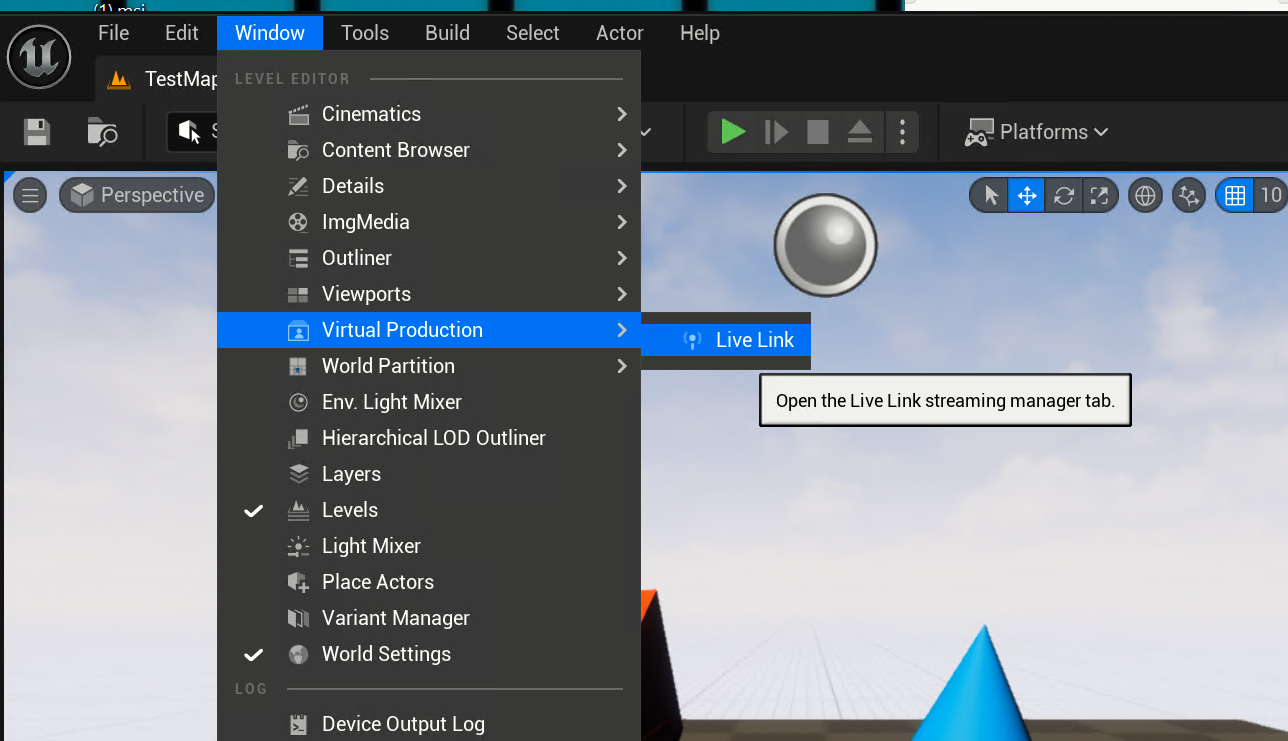
go to window and then virtual production
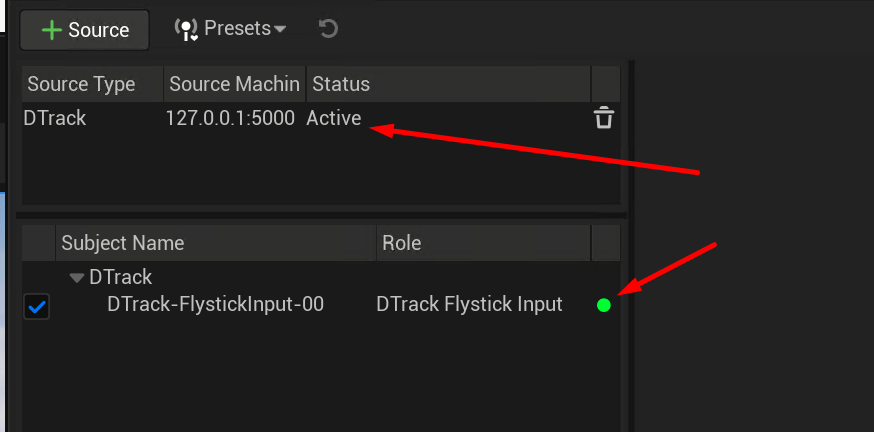
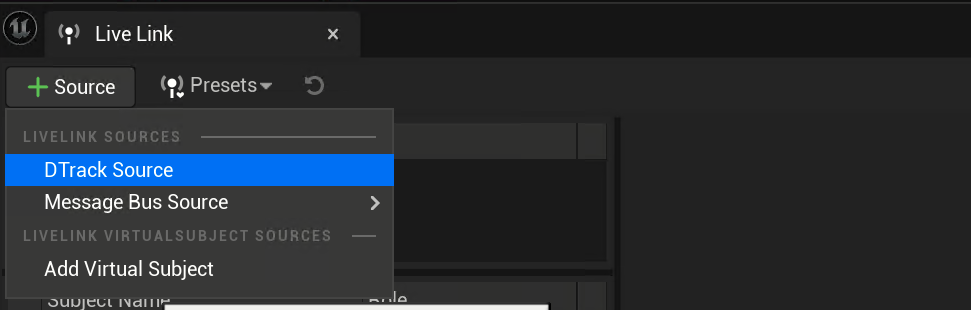
add a new DTrack Source
make sure you have a green and